

Apollo 912 Titan Actuator Troubleshooting Guide
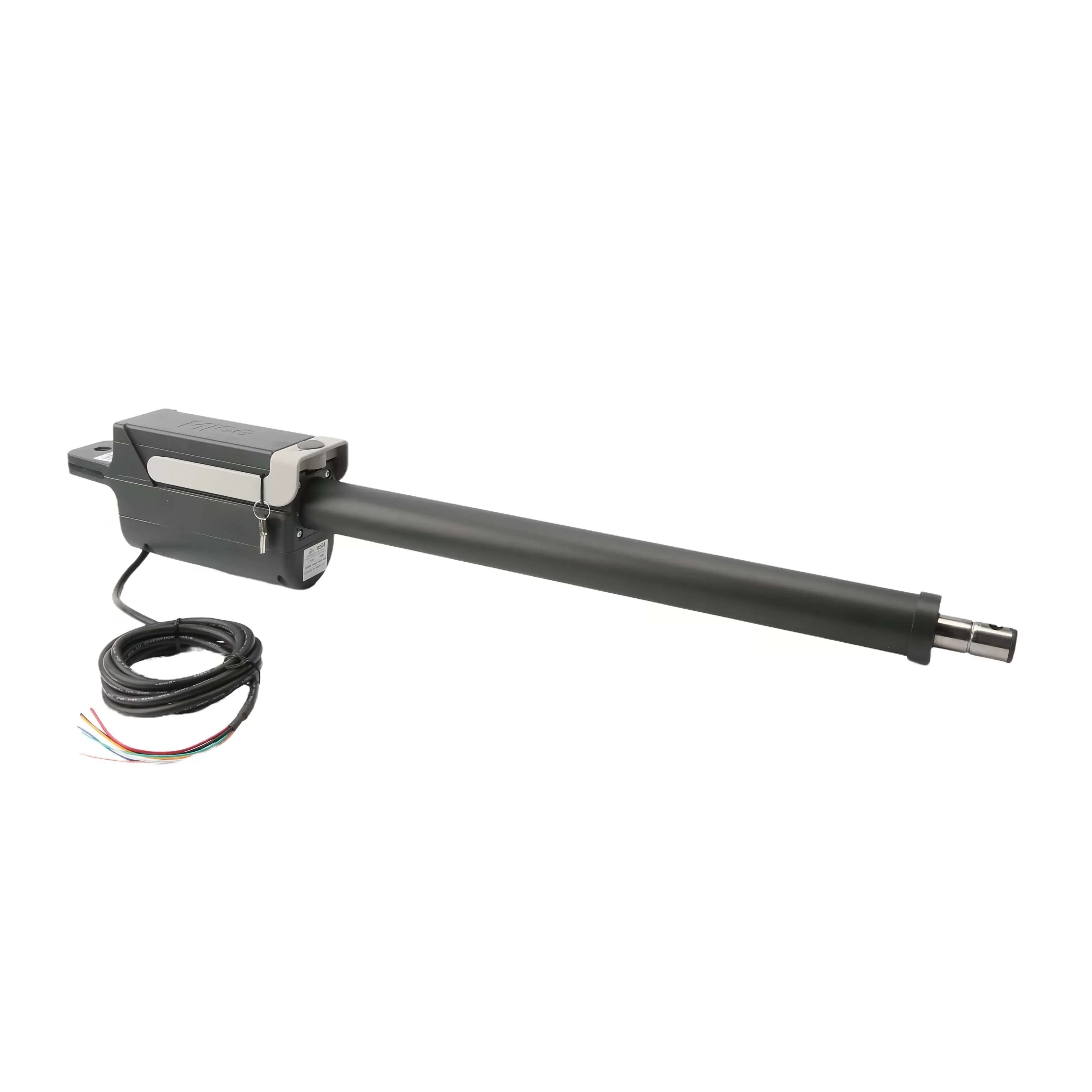
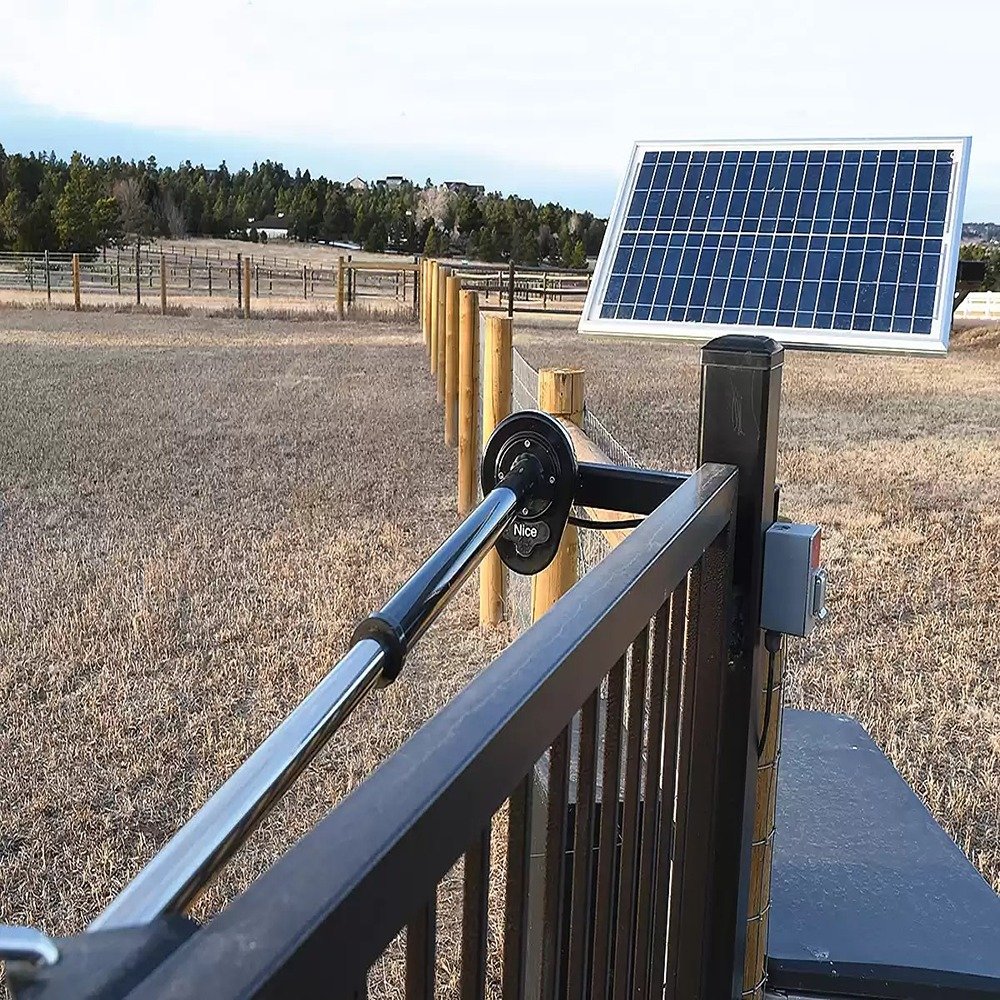
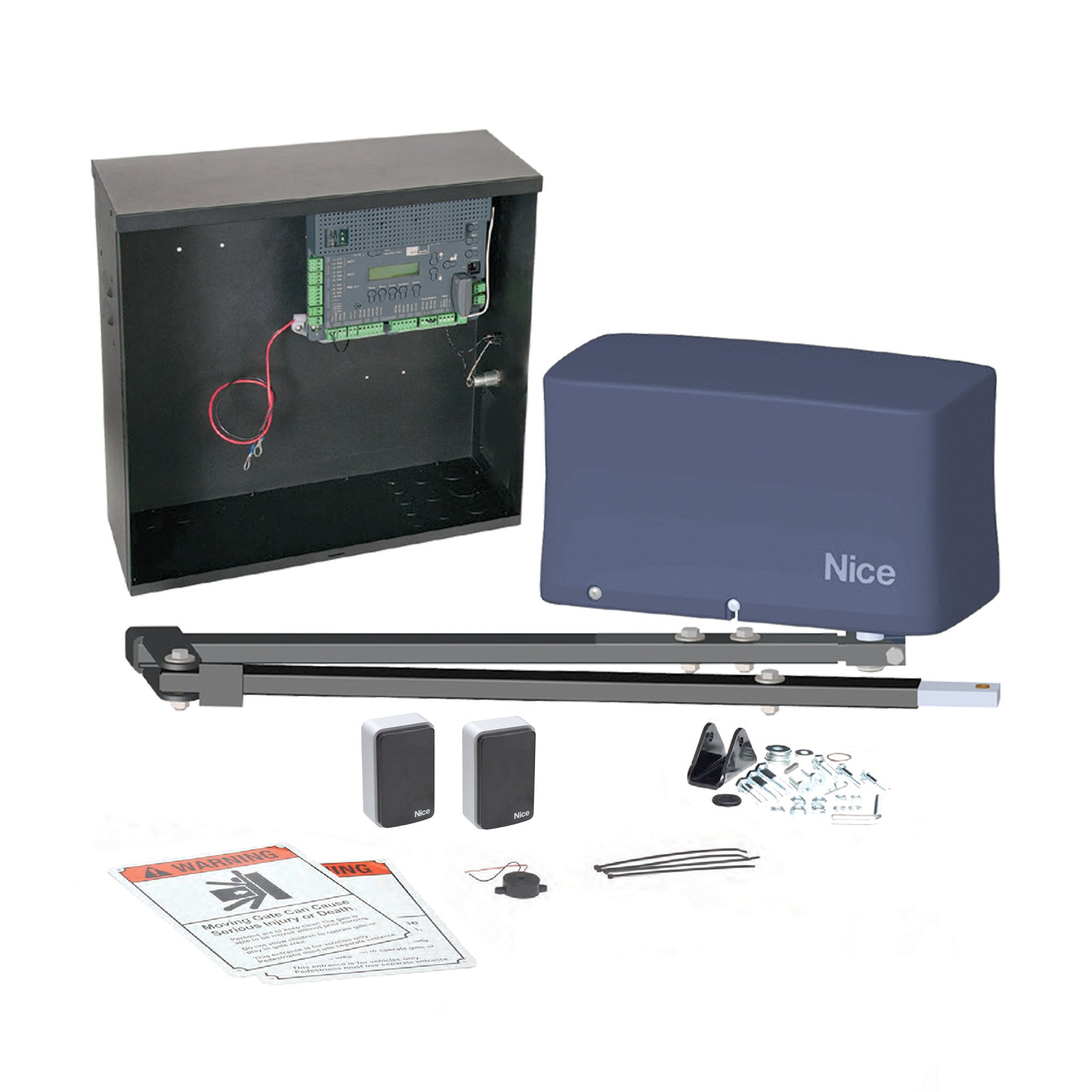
The Apollo 912 Titan is a heavy-duty linear actuator designed for swing gate automation, capable of operating gates up to 20 feet long and 600 lbs. This troubleshooting guide covers mechanical and actuator-only issues to help you maintain optimal gate performance.
How Does the Key Lockable Manual Release Work on the 912 Titan?
In cases of power failure or emergency, the 912 Titan actuator allows for manual operation via a key lockable release mechanism.
Steps to Manually Release
- Lift up the rubber key cap covering the release mechanism
- Insert the key and turn 90° clockwise
- Lift up the mechanical release handle
Cannot Manually Extend the Actuator When Release Is Open
If the actuator won't extend or retract manually even after opening the release, the actuator may be in its fully retracted position, causing mechanical interference at the internal limit switch. This occurs because the internal limit switch stops the actuator at its mechanical stop, preventing manual movement without motor assistance.
How to Resolve This
- Close the mechanical release (but do not lock it)
- Momentarily press the OPEN button (for Push-To-Open) or CLOSE button (for Pull-To-Open) on the control board to extend the actuator slightly beyond its fully retracted state
- Press the STOP button
- Open the mechanical release again, manual extension should now be possible
Actuator Makes Grinding or Scraping Noise
Grinding, scraping, or unusual noises during operation typically indicate mechanical issues that should be addressed promptly to prevent further damage. Loose mounting hardware is a common cause of noise. Inspect all bolts on the actuator, pivot arm, and gate bracket, and tighten any loose hardware. The gate itself may be mechanically binding, so disconnect the actuator from the gate and verify the gate moves freely without obstruction. Worn gears inside the actuator can also cause grinding noises, and if this is suspected, the internal gears should be replaced immediately. The actuator should be level and plumb in both the open and closed positions. Use a bubble level to check alignment and adjust as needed. If the pivot arm is not rigid and is shifting, re-weld and brace it for permanent installations. A bent extension tube can also cause scraping noises, so inspect for visible damage and replace if bent.
Gate Won't Open/Close Fully - Limits Need Adjustment
If the gate stops before reaching full open or close positions, the limit settings need adjustment. There are two steps to properly set the limits.
Step 1: Manually Set Rough Limits
- Open the mechanical release
- Close the gate completely to set the close limit
- Open the gate completely to set the open limit
- Place the gate in the mid position
- Close the mechanical release (do not lock)
Step 2: Fine Limit Adjustment (via Control Board)
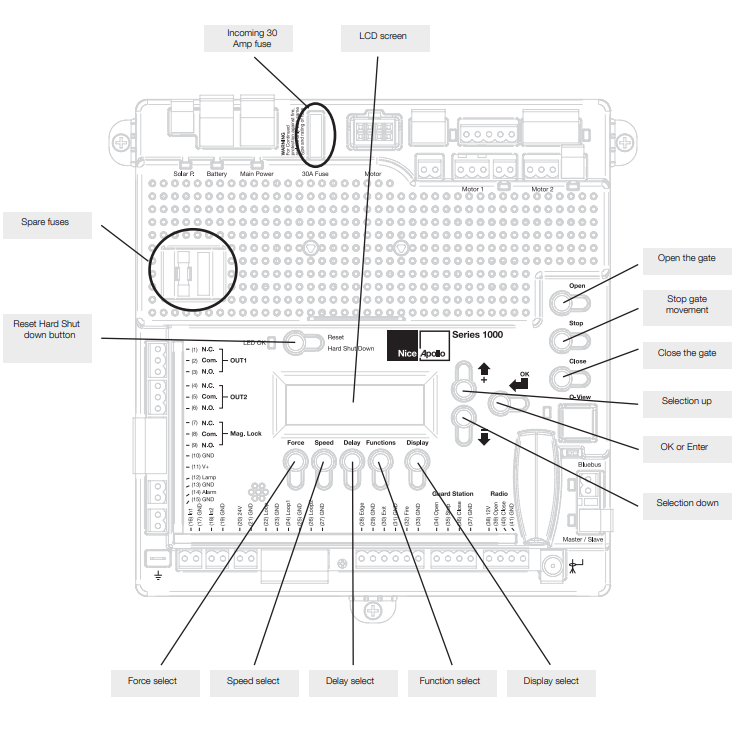
Refer to your control board manual (936 or 1050) for electronic fine-tuning of limit positions.
Gate Bracket Is Loose or Shifting
A shifting gate bracket can cause operational issues, noise, and inconsistent gate movement. Regular inspection of the bracket mounting is important for reliable operation.
Inspection Checklist:
- Verify bracket centerline is 1/2" above the top of the pivot arm
- Check that all mounting bolts are tight (3/8" x 2.5" hex bolts)
- Ensure bracket is attached to structural supports only, not decorative elements
- If using the hitch pin/R-clip method, verify the clip is properly secured
Extension Tube Won't Retract or Extend Fully
When the extension tube will not retract or extend fully, the issue can stem from mechanical binding, a faulty motor, or internal screw damage. Identifying the specific symptom will help determine the cause. If the tube is stuck in the retracted position, the internal limit may be engaged or there may be debris in the screw mechanism. Use the motor to extend slightly past the limit as described in Issue #2, then check for and remove any debris. If the tube is stuck in the extended position, the tube may be bent or there may be internal gear damage. Inspect for visible bending and replace the extension tube if damaged. Jerky or uneven movement indicates a worn stainless steel screw and the extension tube should be replaced. If there is no movement at all, the motor may have failed or there may be a wiring issue. Test the motor and check all harness connections.
Shop Related Products and Replacement Parts
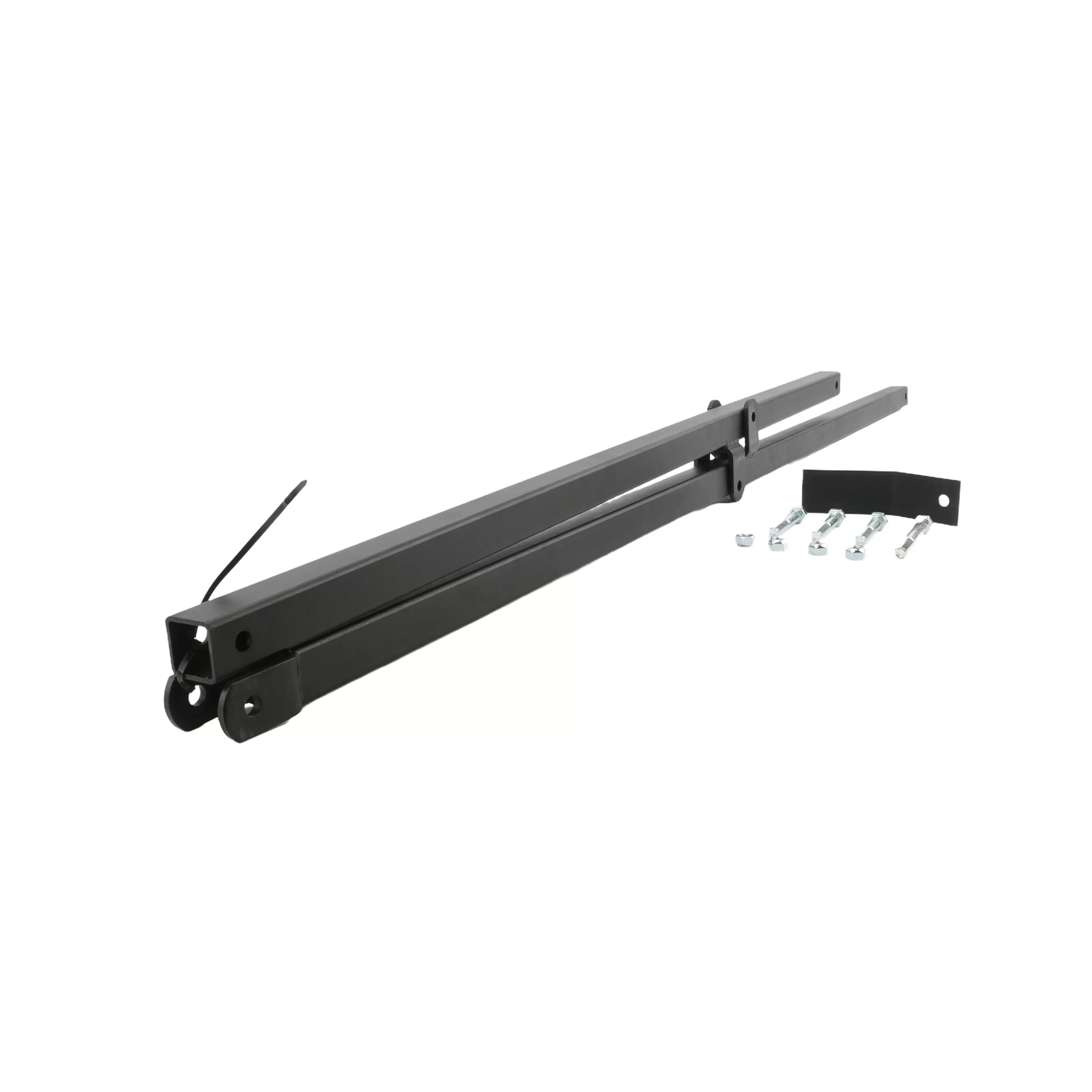
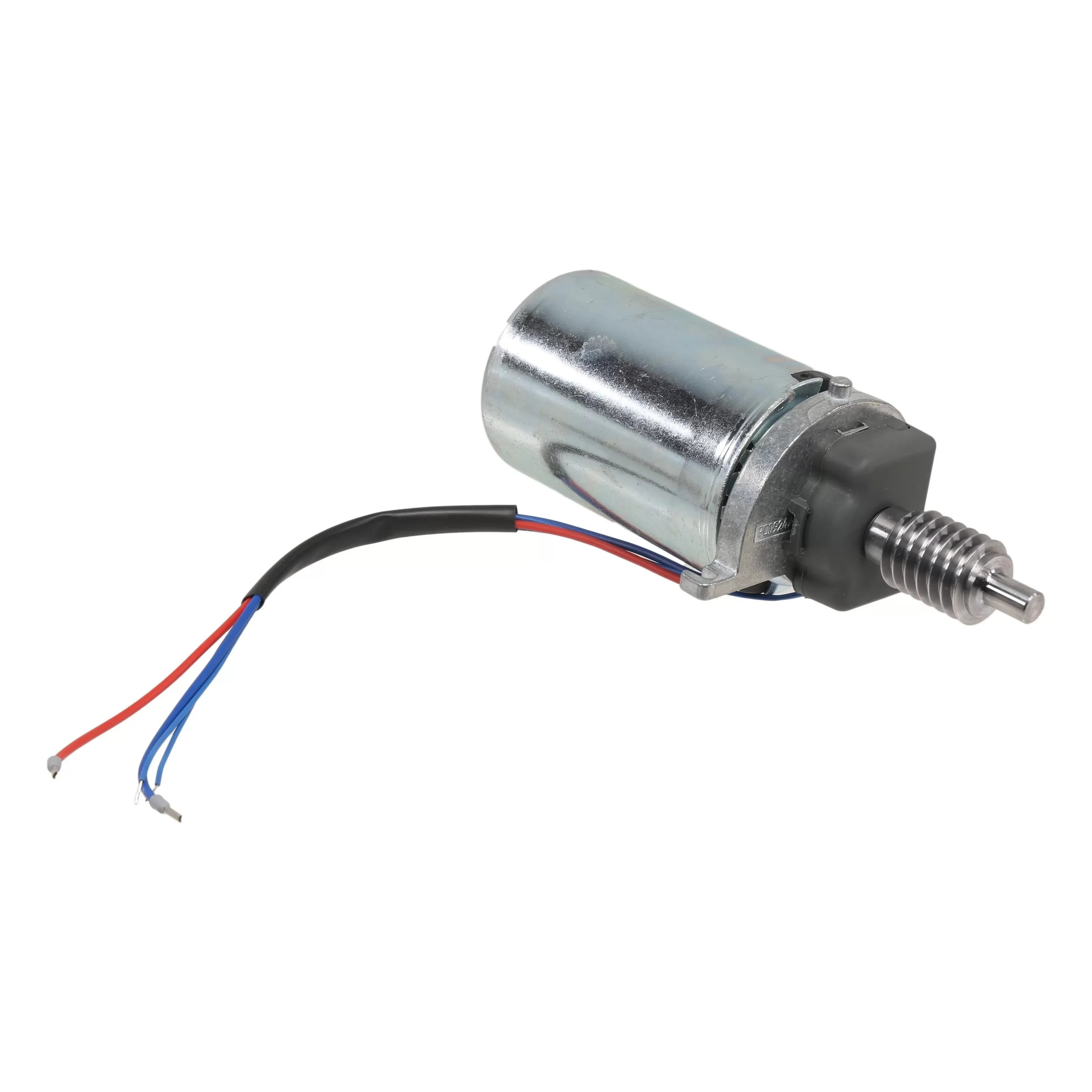
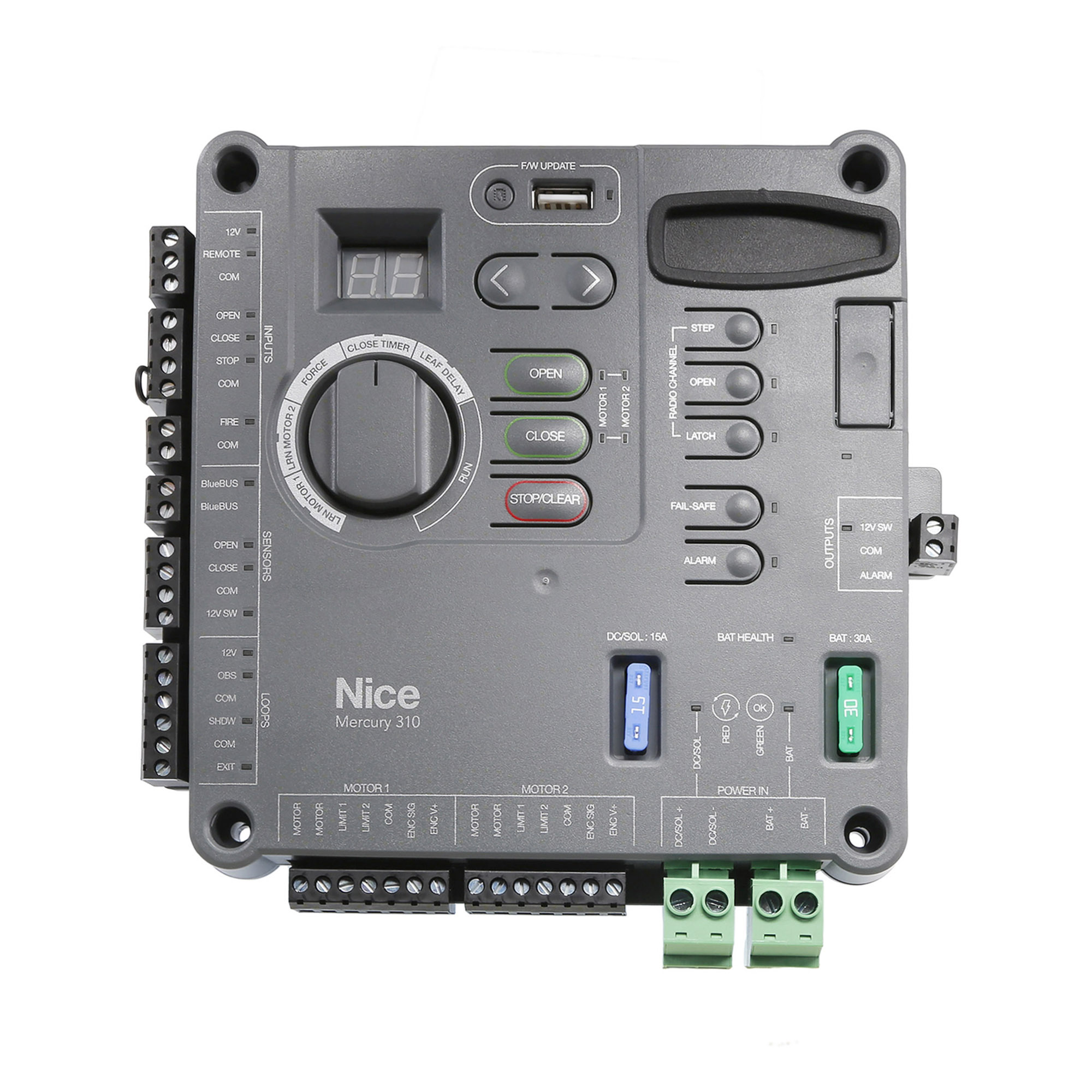
Looking to purchase replacement parts or upgrade your system? The following products are directly related to the Apollo 912 Titan linear actuator and may help resolve your troubleshooting needs. These factory replacement parts are designed to ensure optimal compatibility and performance with your Titan 912L system.
Related Articles
If you have any further questions, please reach out to our representatives. They are happy to help in any way they can!
Contact Us